
Wildwood Cycles VA • 24/7 E‑Bike Rentals
How it works: rent, ride, return—in minutes
Pick up across from the Mendota Trailhead in Mendota, VA. Scan the QR code at our station or rent in the app, unlock your e‑bike, and hit the trail—any time, day or night.
Your rental, step by step
Everything you need to go from trailhead to trail in a few quick steps—no counter, no waiting.
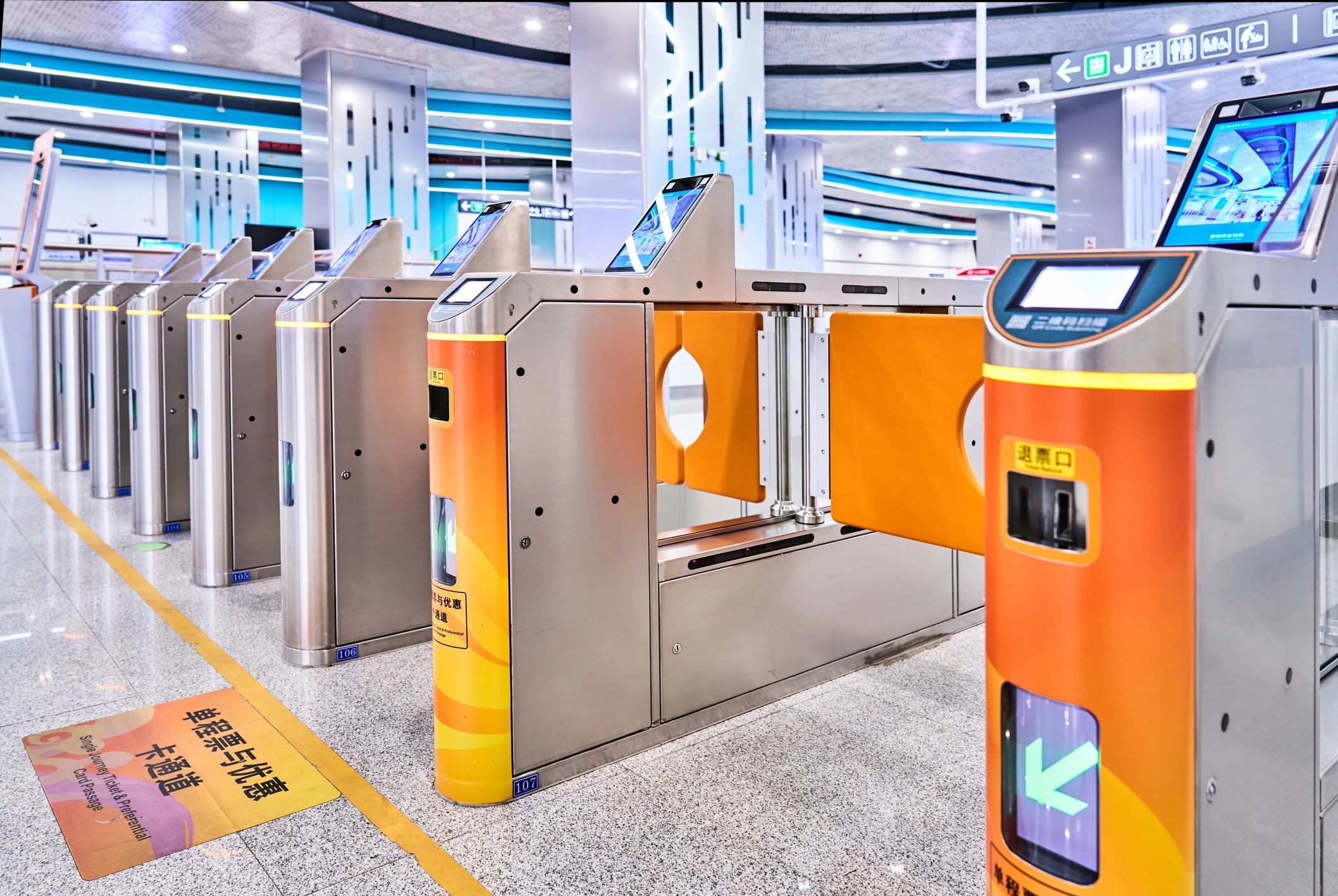
1) Arrive at the station
Find our automated rental station across from the Mendota Trailhead.

2) Scan the QR code
Use your phone camera to open the rental flow and choose your ride time.
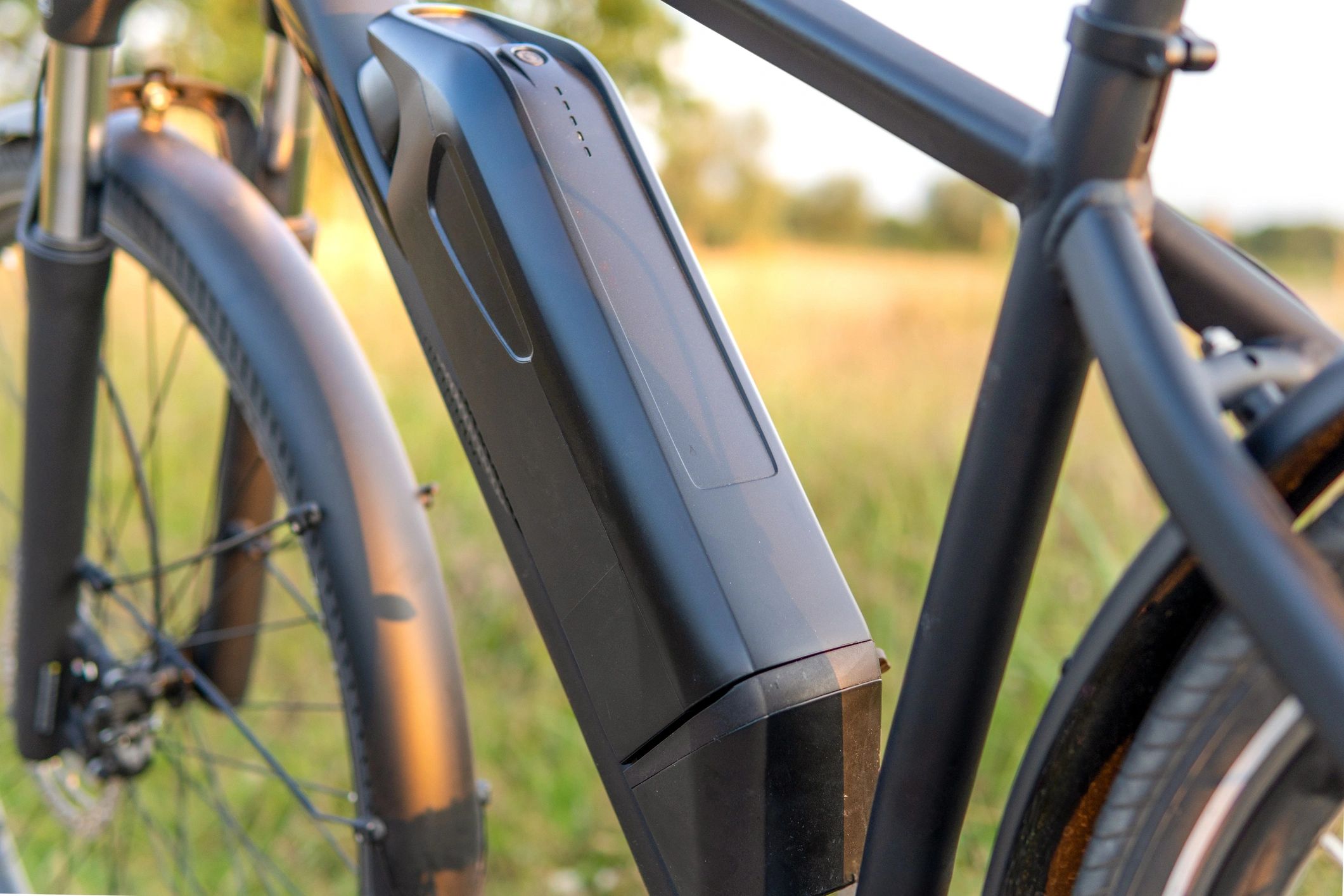
3) Unlock your e‑bike
Follow the on‑screen prompts to release your bike and start your trip.
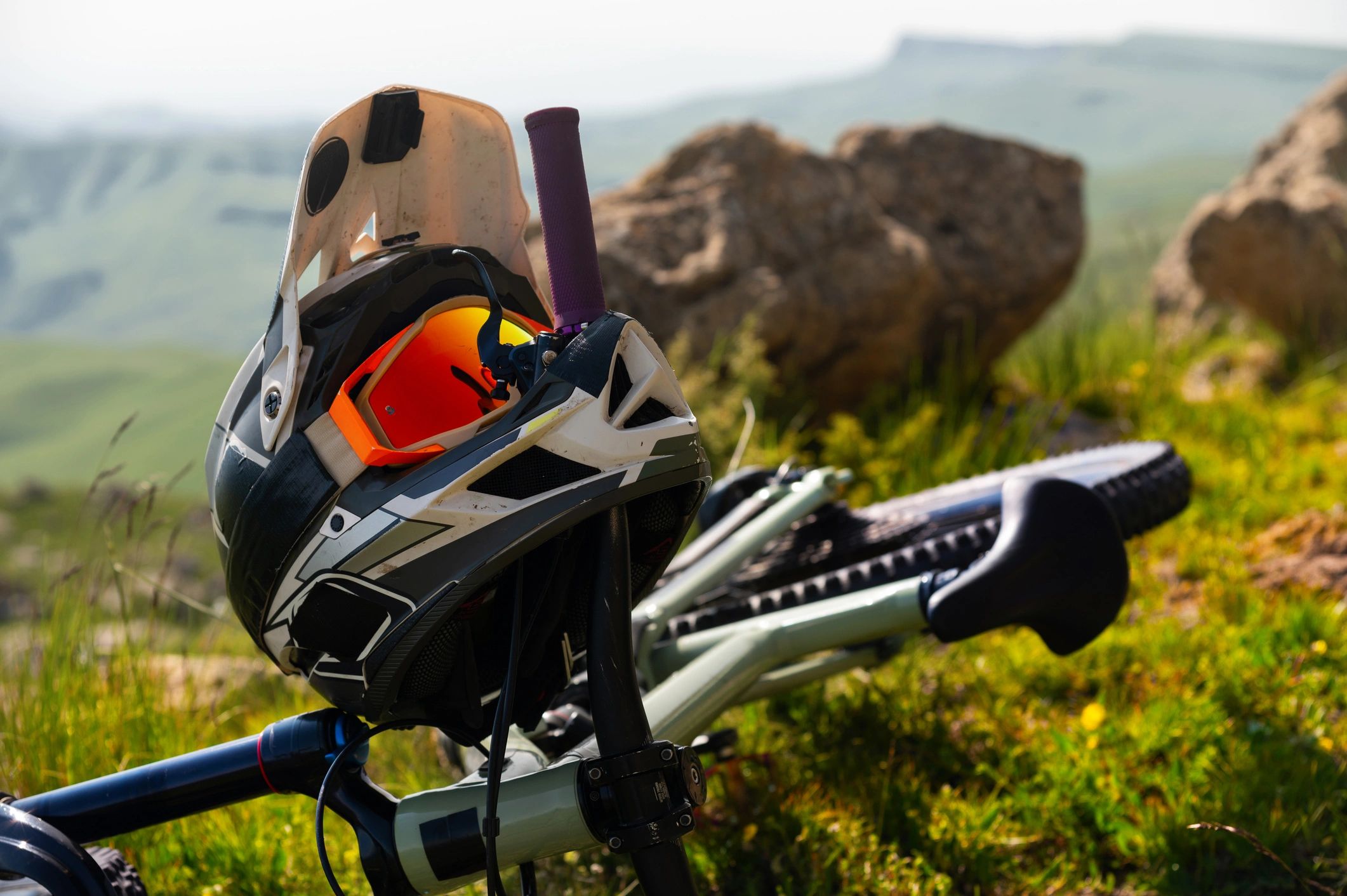
4) Adjust & gear up
Set your seat height, check brakes, and wear a helmet before rolling out.
5) Ride the Mendota area
Enjoy pedal assist on local routes and trail access right nearby.
6) Return & end your rental
Dock the bike back at the station and confirm return in the app/QR flow.
How rentals work (quick answers)
Common questions about 24/7 self‑serve rentals at the Mendota Trailhead area.
Do I need to reserve ahead of time?
No—rent anytime at the station. If bikes are available, you can start immediately.
What do I need to rent?
A smartphone to scan the QR code or use the app, plus a payment method.
Where do I pick up and return?
Pickup and return are at our station across from the Mendota Trailhead in Mendota, VA.
Is it really 24/7?
Yes—our automated kiosk is available 24/7 so you can ride on your schedule.
What if I have trouble unlocking or returning?
Follow the on‑screen help steps in the rental flow. If you still need help, use the support contact on the Contact page.
Are helmets included?
Availability can vary. We recommend bringing your own helmet for the best fit and comfort.
Ready to ride?
Rent an e‑bike at Mendota—any time
Check current rates, then head to the station across from the Mendota Trailhead and scan the QR code to start your rental.